
Mentoring Software Integrations
MentorcliQ and CommunityCliQ fit right into the tools your employees already use, including Microsoft Teams, Viva Engage, Outlook, Google Calendar, Slack, Zoom, Workday, and many more.
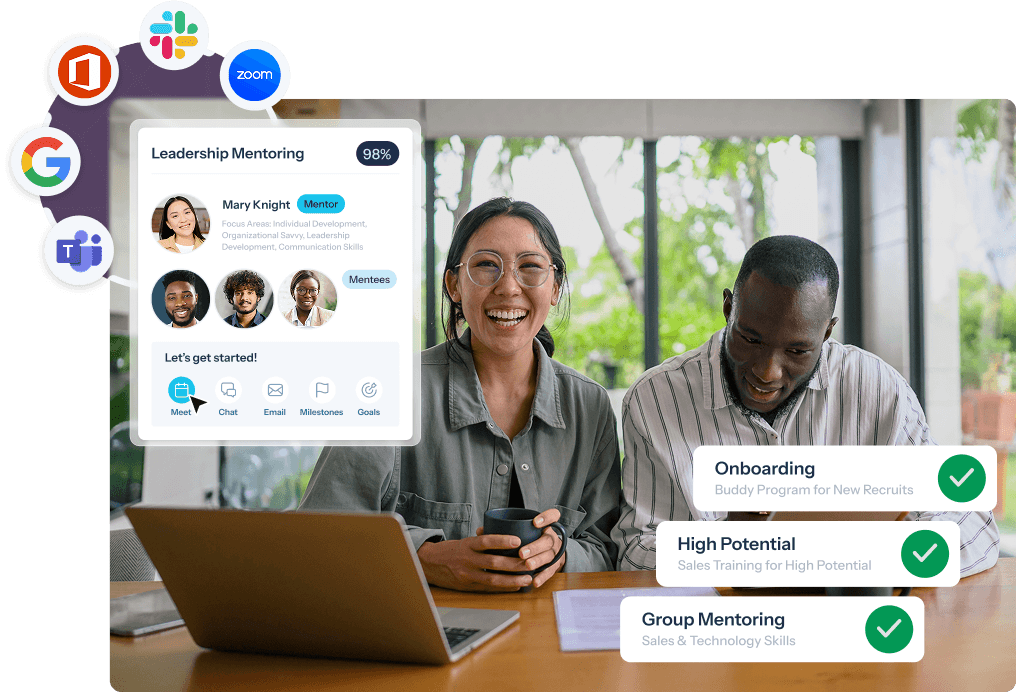
Run Employee Programs Inside the Tools They Already Use
Whether you’re running mentoring programs in MentorcliQ or employee resource groups (ERGs) and communities in CommunityCliQ, one set of integrations connects it all to your tech stack.
- Collaboration: Microsoft Teams, Viva Engage, Slack, and Zoom
- Calendars: Outlook Calendar and Google Calendar
- HRIS: Workday, plus any HRIS or employee database
- Security: Single sign-on (SSO) with any Identity Provider
- Data: Reporting and BI, LMS, and API
Not sure where to start? Most organizations connect their HRIS first, then add SSO and notifications in Teams or Slack, and finish with calendar scheduling.

“We can pull [mentoring] data in with other talent data to provide a full picture around the development and the ways our mentors and mentees are tracking.” – Senior Manager, Talent Management
Modal

Modal
Microsoft 365 Integration: Teams, Outlook, and Viva Engage
MentorcliQ and CommunityCliQ integrate with Microsoft 365. Bring mentoring programs and ERGs into Microsoft Teams, Outlook, and Viva Engage, so employees can take part without switching apps.
- Microsoft Teams tab: Browse matches, enroll in programs, and catch up on community posts and events without ever leaving Teams. Admins can manage programs there too.
- Microsoft Teams notifications: Invitations, matches, QuickcliQs, surveys, and program updates land right in Teams, and new community posts and events reach the linked channel.
- Microsoft Teams chat and meetings: Message a mentoring partner in one click, and let community events set up the Teams meeting and track who attended.
- Outlook Calendar: Check a partner’s availability and book the next session straight into Outlook.
- Microsoft Viva Engage: Viva Engage conversations show up inside ERG and community pages, where members can post, comment, and react.
Privacy comes built in as participants only see whether someone is free or busy, never the meeting details.
Google Workspace Integration: Google Calendar
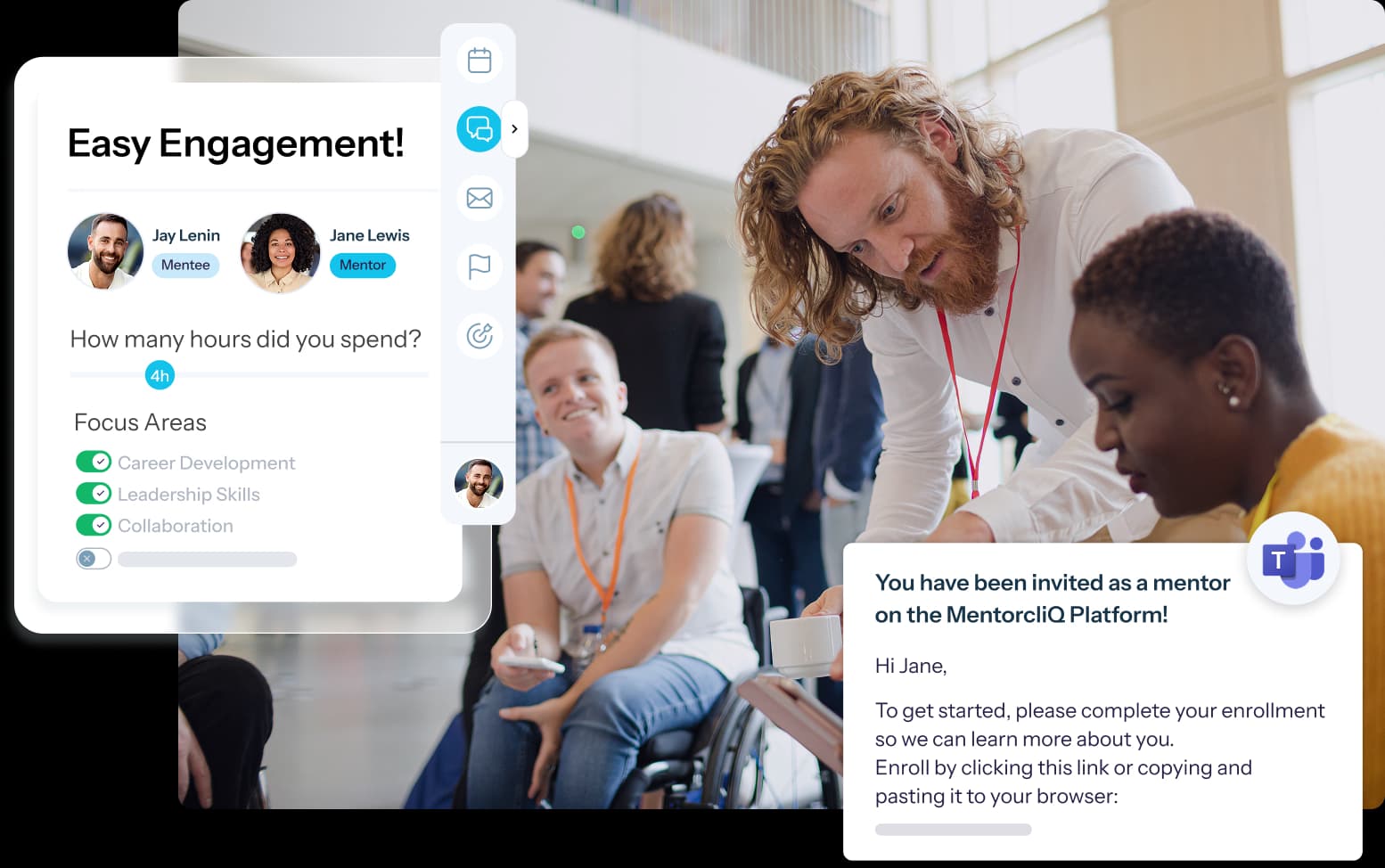
MentorcliQ integrates with Google Workspace through Google Calendar, making it simple for mentors and mentees to find a time that works for both of them.
- See when your mentoring partner is free
- Book sessions without leaving MentorcliQ
- Meetings land on your Google Calendar automatically
Less back-and-forth means more time for the conversations that matter.
Workday Integration: EIB and RaaS
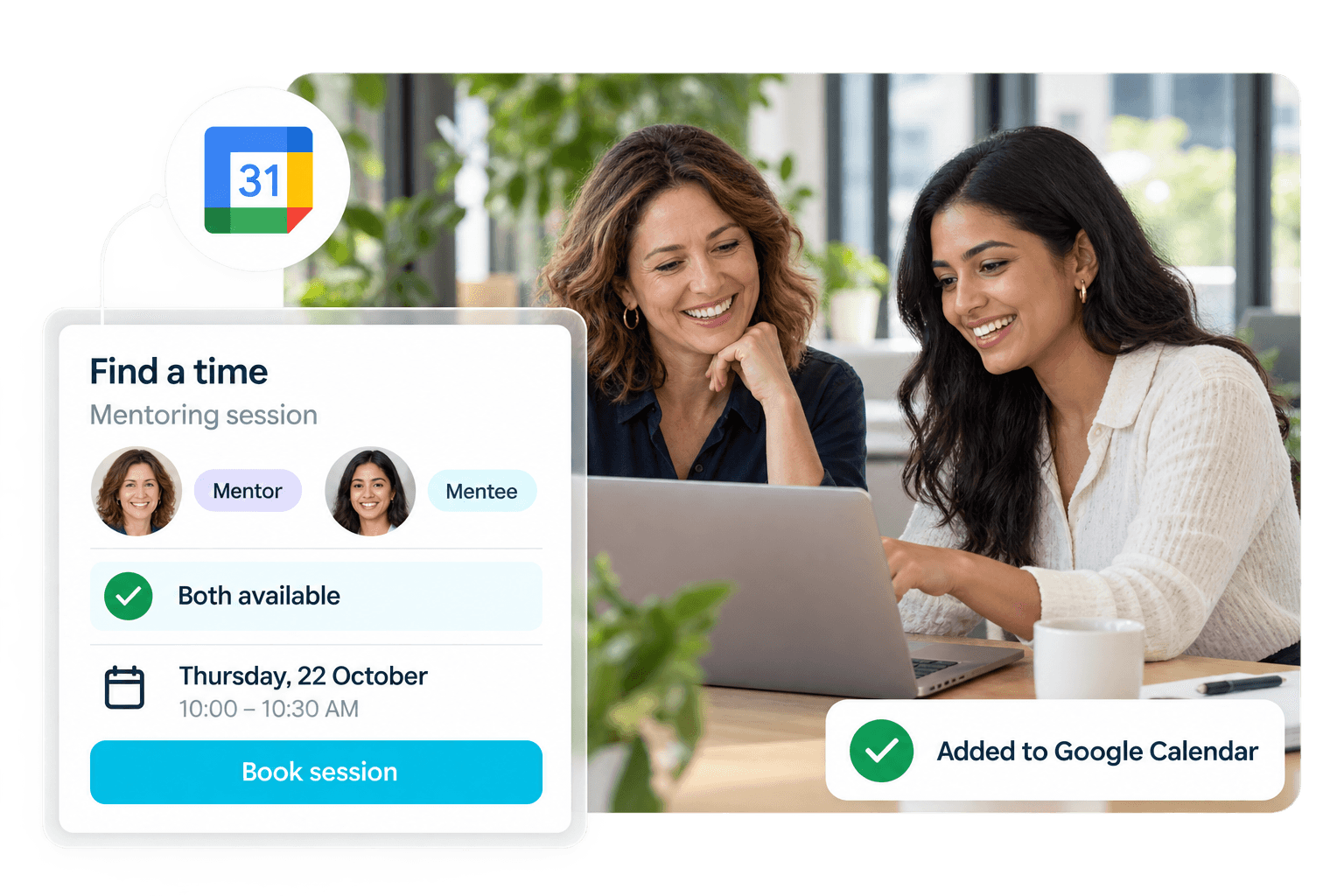
MentorcliQ integrates with Workday through Enterprise Interface Builder (EIB) or Reporting as a Service (RaaS), so your employee records are always up to date.
- EIB: Send employee data to MentorcliQ automatically, on a schedule your IT team controls. It’s where most organizations start.
- RaaS: Need changes reflected the same day? Sync employee data in real time or on a schedule.
- Light setup: Just four fields to get started (Employee ID, Email Address, First Name, Last Name), with title, department, manager, and location recommended for better matching and reporting.
- Hands-off upkeep: When employees leave, they’re removed from active programs automatically, and their history stays in your reports.
With Workday connected, you can track employee retention, promotion and internal mobility, engagement, and mentoring milestones, without anyone updating a spreadsheet.
Zoom Integration
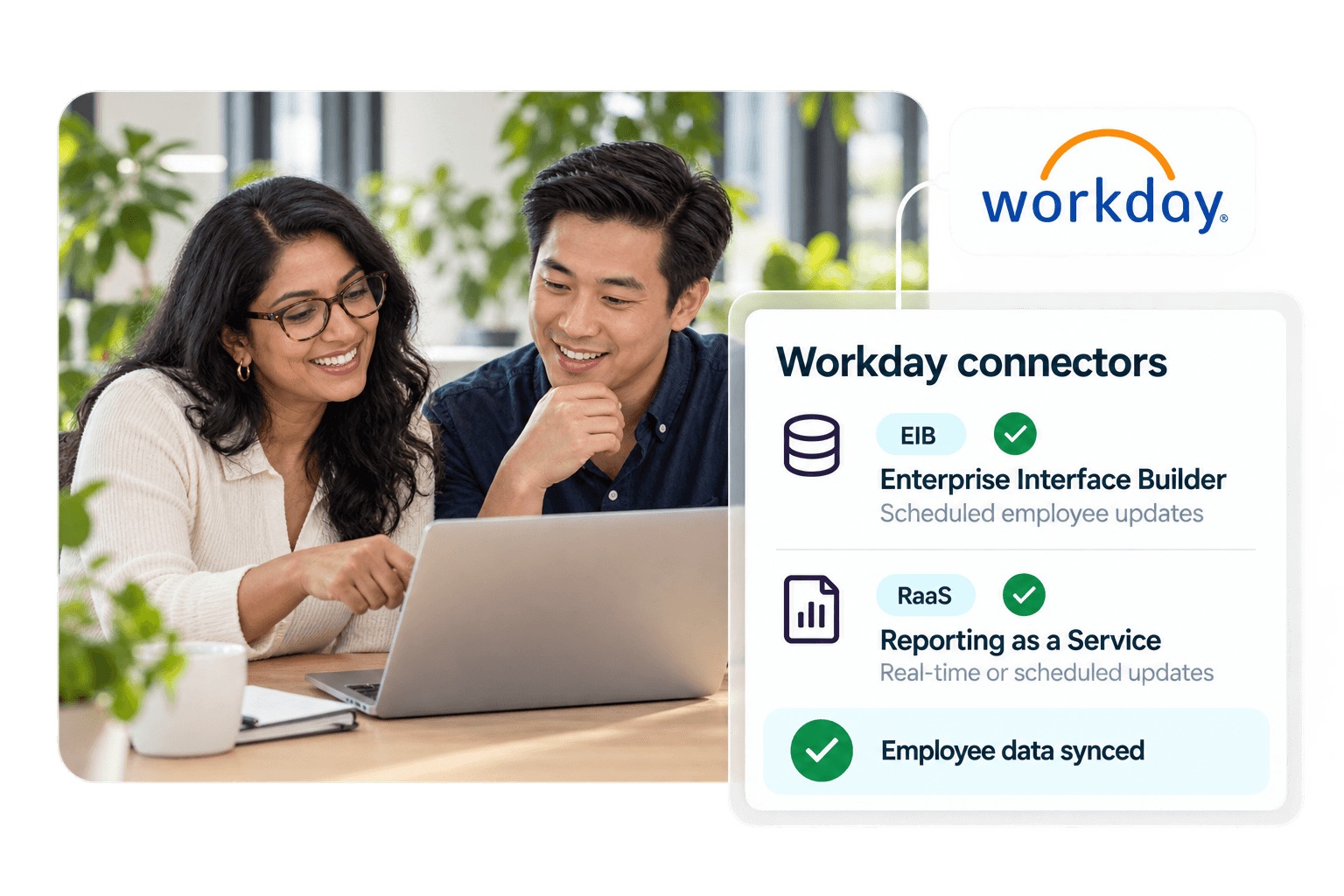
MentorcliQ integrates with Zoom, so mentors and mentees can meet face-to-face from anywhere.
- Add a Zoom link to any mentoring meeting invitation
- Works hand in hand with Outlook and Google Calendar scheduling
- A natural fit for remote and hybrid mentoring relationships
Slack Integration: Chat, Notifications, and Community Channels
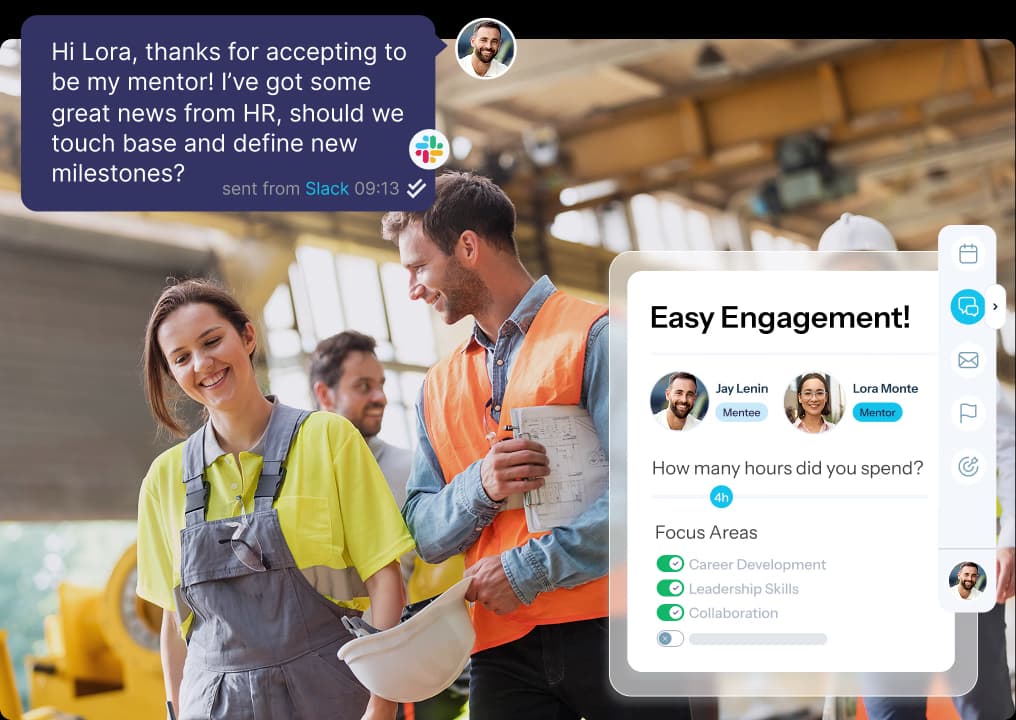
MentorcliQ and CommunityCliQ integrate with Slack, keeping mentoring and community conversations going right where your teams already chat.
- Slack notifications: Get invitations, matches, QuickcliQs, surveys, and program updates in Slack.
- Slack chat: Start a conversation with your mentoring partner in one click.
- Community channels: New CommunityCliQ posts and events appear in the community’s Slack channel, where members can react and comment.
Every participant hears from the program where they actually work, whether that’s email, Microsoft Teams, or Slack.
Reporting and BI Integration
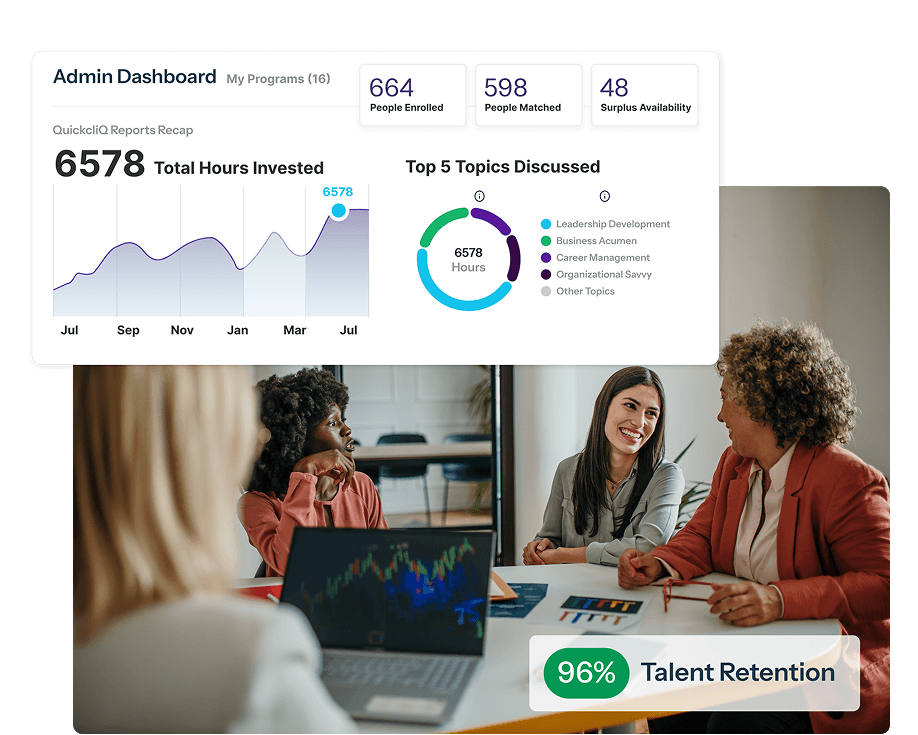
MentorcliQ and CommunityCliQ connect your mentoring and employee community data with the reports and dashboards your teams and leaders rely on, so you can report program success your way.
- Export or directly integrate data at the employee, program, or platform level
- Map fields to your exact specifications, success metrics, and key reports
- Keep program history in your reports, even after employees leave
- Maintain a single source of truth for mentoring and ERG outcomes
SSO Integration: SAML 2.0 Single Sign-On
MentorcliQ and CommunityCliQ support single sign-on (SSO) with any Identity Provider (IdP), keeping your IT and security teams happy while making sign-in effortless for everyone else.
- One-click login with the corporate credentials employees already use
- Works in the browser and inside the Microsoft Teams tab
- Faster enrollment across multiple programs
- Recommended setup: SP-initiated SAML 2.0 with SSO-only access, led by your IT team
MentorcliQ is SOC 2 Type II certified. Visit our Trust Center for everything your security team needs.
LMS Integration
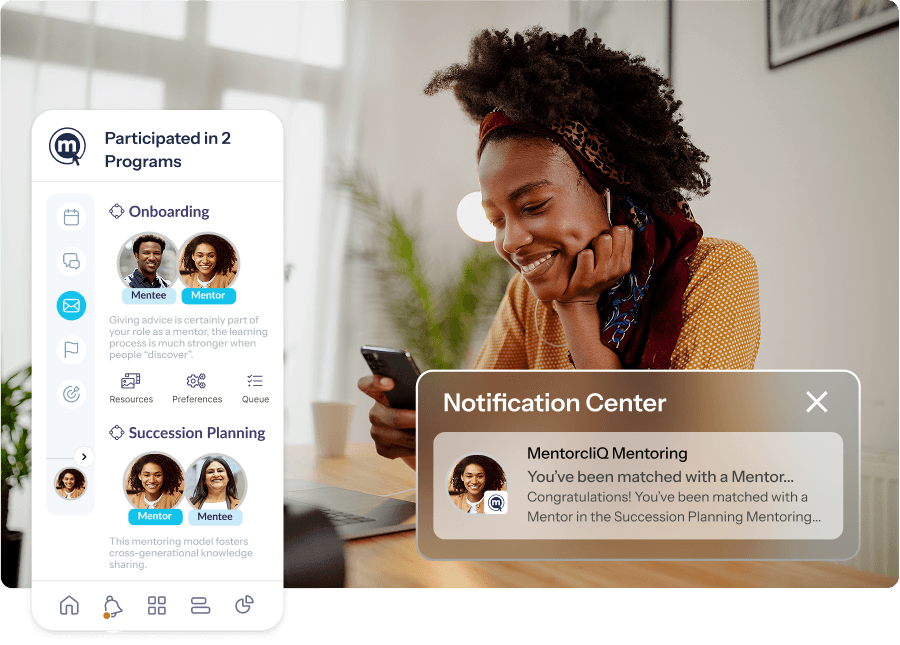
Want your mentoring programs or employee communities to fit seamlessly with your learning management system (LMS)? MentorcliQ and CommunityCliQ sync employee profiles and share learning and development data with your LMS.
- Keep employee profiles in sync across both platforms
- See the full picture of workforce development in one place
- Connect mentoring to the learning paths employees already follow
Custom Integrations & Public API
MentorcliQ offers a public API and custom integrations, so you can connect mentoring and ERG data to the systems that matter most to your organization. Whether you need an out-of-the-box integration or a custom API connection, you’re in good hands.
- API: Provision users in real time from your own systems.
- Custom connections: Tell us what data or systems you need to connect, and we’ll configure and test it with your technical team.
- Secure by design: Data moves over secure, encrypted channels, including the Microsoft Graph API.
Our integration experts work directly with your IT team to configure, test, and celebrate every happy, healthy integration, and we stay by your side long after go-live.
HRIS Integrations: ADP, SAP SuccessFactors, Oracle, and UKG
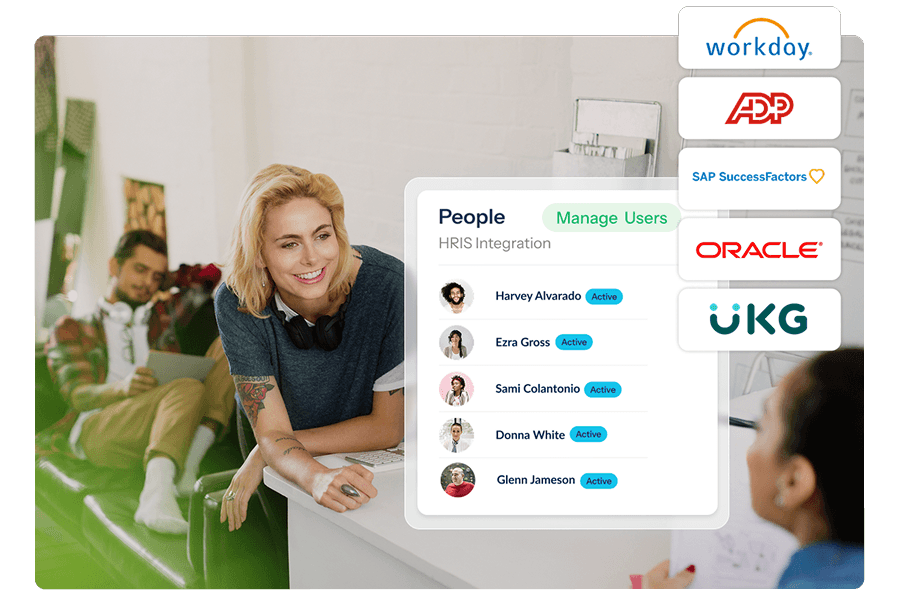
MentorcliQ integrates with ADP, SAP SuccessFactors, Oracle, UKG, and any other HRIS or employee database, so your employee records stay current whichever system you use.
- Employee data syncs from your system of record on a regular schedule, including through secure SFTP file transfer
- Only first and last name are required to get started
- New employees are ready to join communities whenever they choose
Not sure which method fits? We’ll help you choose on your scoping call!
Make It Easy for Every Employee to Take Part
Explore the best mentoring software and ERG platform, out-of-the-box connections, and custom integrations.
Boost Employee Engagement
Connect mentors and mentees in person or online, with fewer barriers to participating.
Increase Adoption
Employees use the collaboration and conferencing tools they already know.
Streamline Workflows
Mentoring and ERGs fit into daily work, and engagement is tracked from anywhere.
Mentoring Software Integrations FAQ
Does MentorcliQ integrate with Workday?
Yes. MentorcliQ integrates with Workday through Enterprise Interface Builder (EIB) for scheduled bulk updates or Reporting as a Service (RaaS) for real-time or scheduled updates. Job titles, departments, locations, and employment status stay current automatically, and most organizations start with EIB.
Does MentorcliQ work with Microsoft Teams?
Yes. MentorcliQ offers three Microsoft Teams integrations: the Teams tab, which brings MentorcliQ inside Teams; Teams notifications for invitations, matches, QuickcliQs, and surveys; and Teams chat, so participants can message their mentoring partner in one click.
Does CommunityCliQ integrate with Microsoft Viva Engage?
Yes. Viva Engage conversations show up automatically on the relevant ERG or community page in CommunityCliQ. Members sign in with their Microsoft account to post, comment, and react without leaving the page.
Does MentorcliQ integrate with Slack?
Yes. Participants can get program notifications in Slack and start a Slack chat with their mentoring partner in one click. CommunityCliQ also shares new community posts and events in a linked Slack channel.
Does MentorcliQ integrate with Google Calendar and Outlook?
Yes. Mentors and mentees can check each other’s availability and book sessions from MentorcliQ using Outlook Calendar or Google Calendar, so scheduling the next conversation takes seconds.
Does MentorcliQ integrate with Zoom?
Yes. Mentors and mentees can add a Zoom link to any meeting invitation and meet from anywhere.
Do MentorcliQ and CommunityCliQ support SSO?
Yes. Both support single sign-on with any Identity Provider (IdP), in the browser and inside the Microsoft Teams tab. We recommend SP-initiated SAML 2.0 with SSO-only access, set up by your IT team.
Does MentorcliQ have an API?
Yes. MentorcliQ offers a public API for real-time user provisioning, and our integration experts build custom connections with your IT team when you need them.
Can MentorcliQ integrate with an HRIS other than Workday?
Yes. Alongside Workday, MentorcliQ integrates with ADP, SAP SuccessFactors, Oracle, UKG, and any other HRIS or employee database, including through secure SFTP file transfer. Only first name and last name are required to get started.
Can participants choose where they get MentorcliQ notifications?
Yes. Participants hear from MentorcliQ where they actually work, whether that’s email, Microsoft Teams, or Slack.