
Workday Integration for Mentoring and Employee Resource Groups
MentorcliQ and CommunityCliQ integrate with Workday, so job titles, departments, locations, and employment status stay current automatically, with no one exporting a spreadsheet.
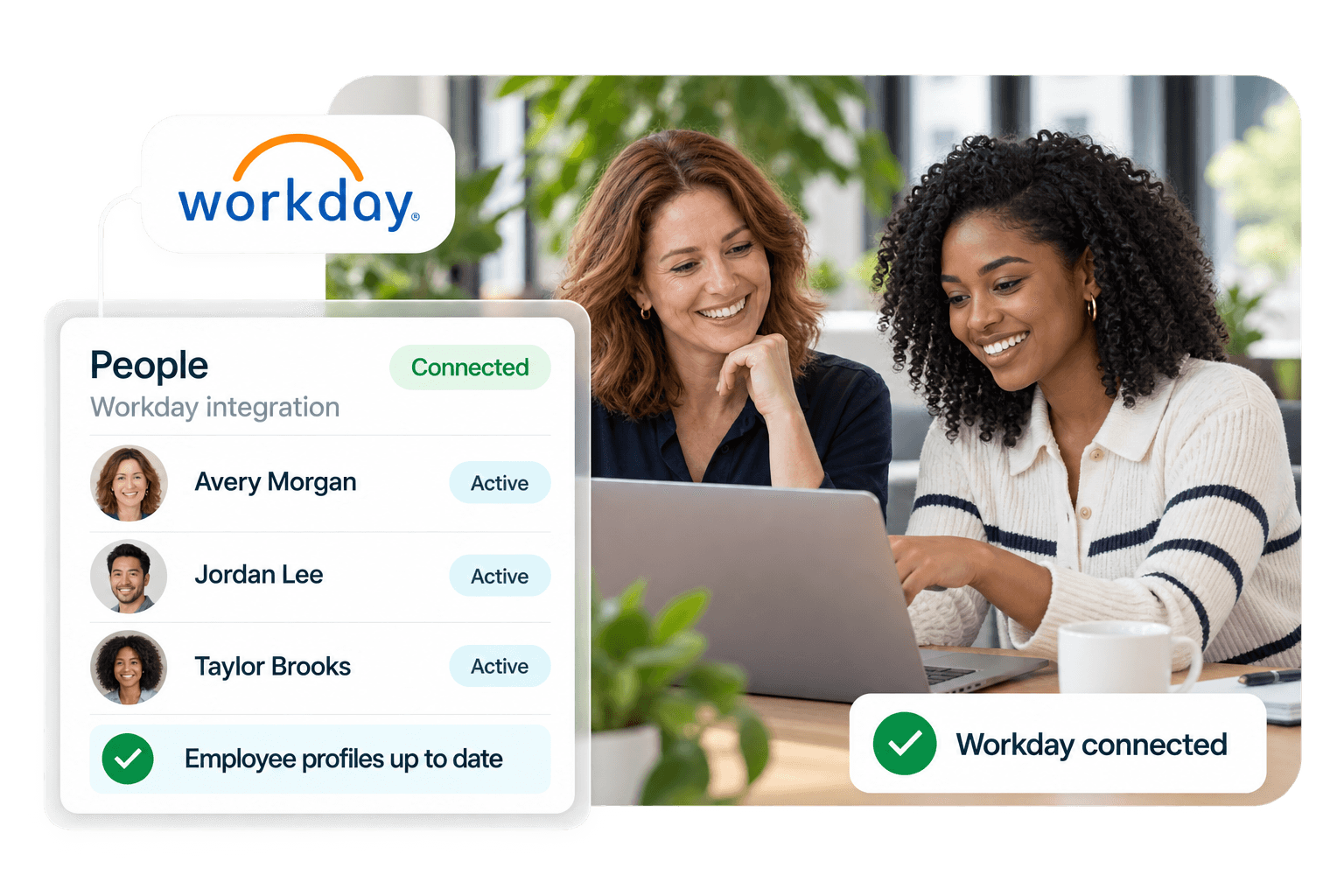
Integrate Workday Through EIB or RaaS
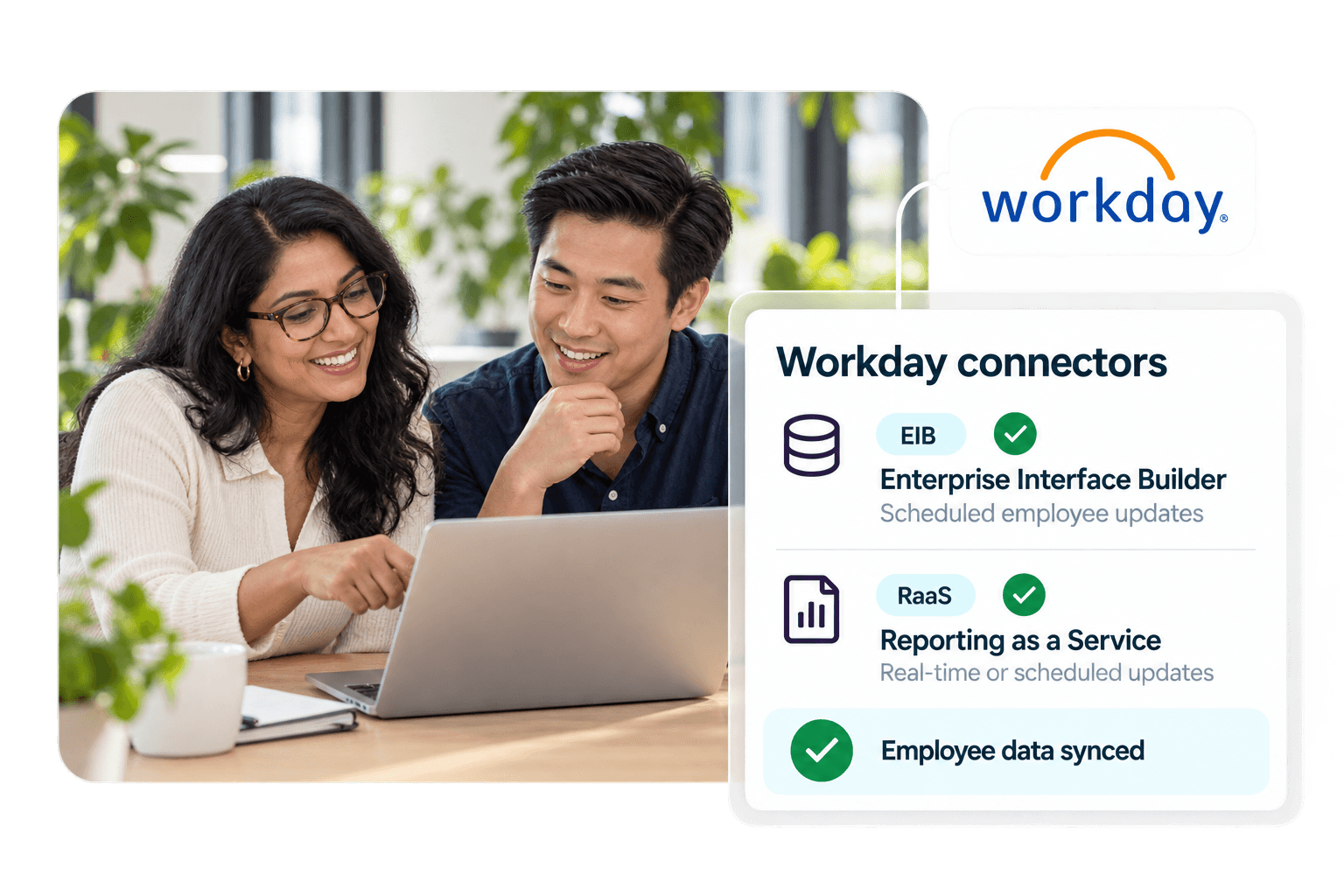
MentorcliQ supports both standard Workday integration methods, so your team chooses the one they’d rather maintain.
- Enterprise Interface Builder (EIB): Send employee data to MentorcliQ automatically, on a schedule your IT team controls. It’s where most organizations start.
- Reporting as a Service (RaaS): Need changes reflected the same day? Sync employee data in real time or on a schedule.
- Light setup: Just four required fields (Employee ID, Email Address, First Name, Last Name), with title, department, manager, and location recommended for better matching and reporting.
Not sure which fields to send? Start with the required fields, launch, and add more once you know what your matching needs. Fields and sync frequency can change anytime after go-live.




Modal
Employee Data That Stays Current
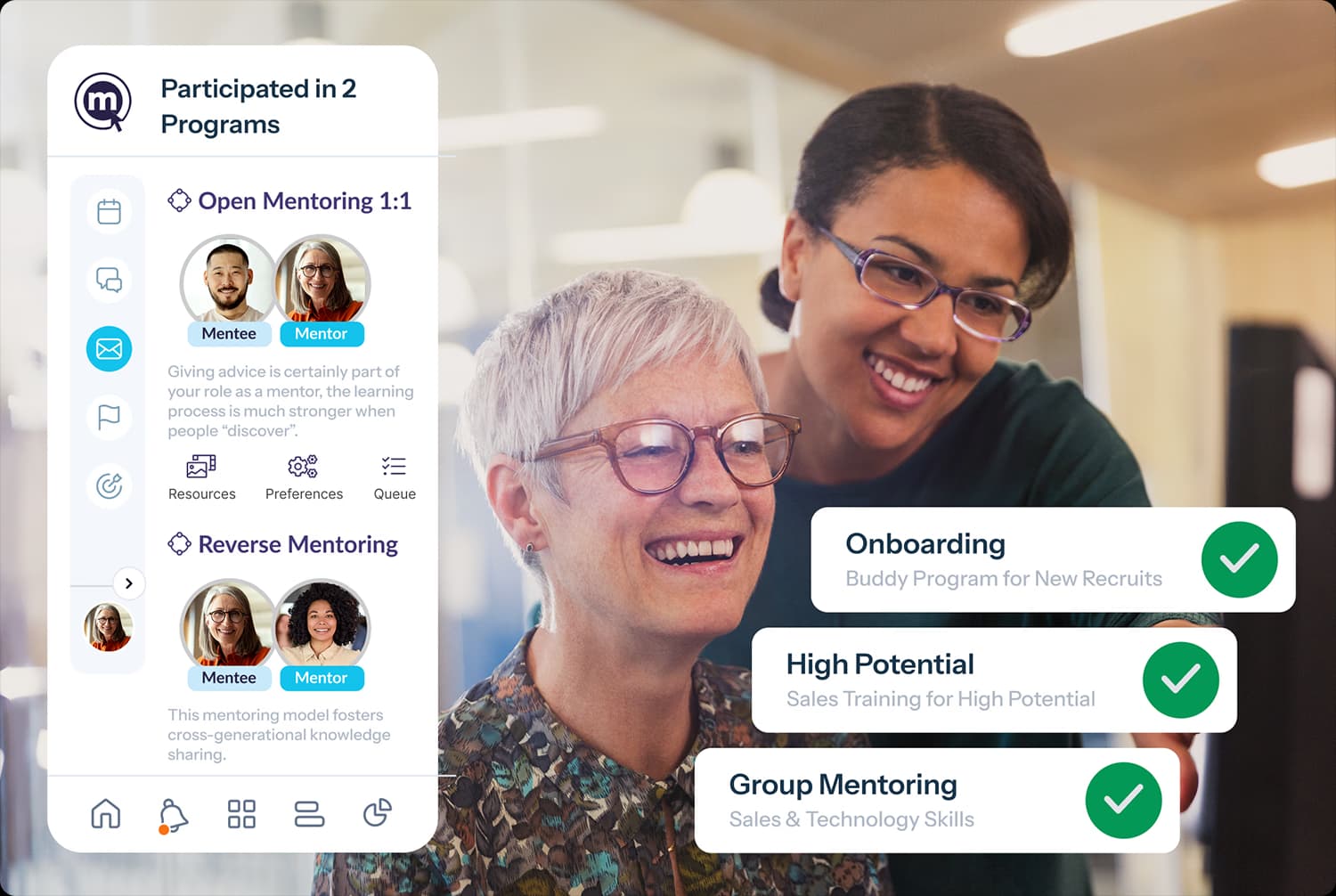
Your Workday record becomes the employee record in your mentoring and ERG programs, so matches reflect who people are today, without anyone scheduling the work.
- New hires: New employees arrive ready to take part.
- Movers: Promotions, transfers, and reorgs are reflected automatically.
- Leavers: Former employees drop out of active programs, the mentor pool, and your access reviews, while their history stays in your reports.
Not on Workday? Any HRIS, or More Than One
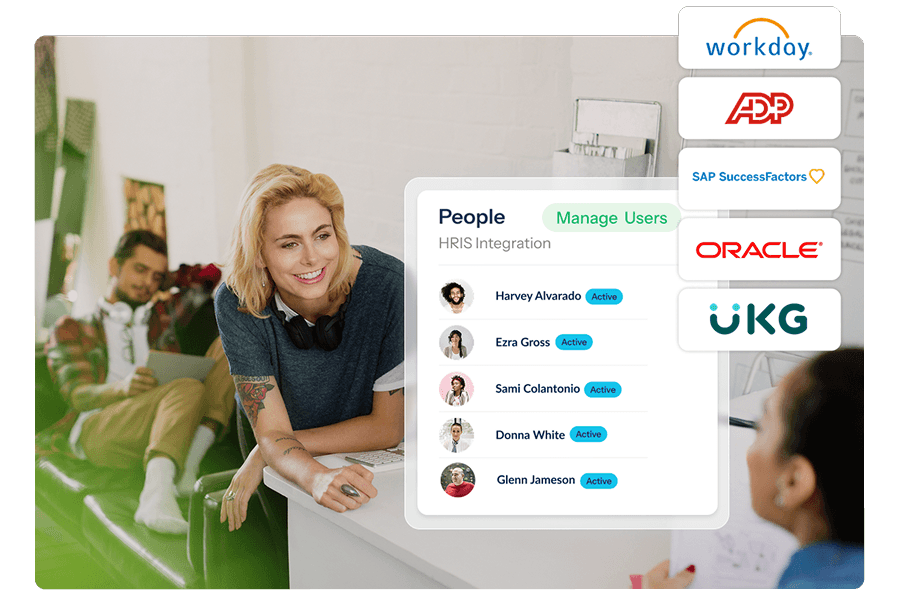
MentorcliQ also integrates with ADP, SAP SuccessFactors, Oracle, UKG, and any other HRIS or employee database, including through secure SFTP file transfer.
- More than one system? Employee data spread across several systems comes together into one record per person, so your programs see a single population.
- Moving to Workday? Your programs keep running through the migration.
Bring us the shape of your HR data, and we’ll tell you plainly what it takes.
Built With Your HR Systems Team, Secure by Design
Your HR systems team and ours build the Workday integration together, once, during implementation, with no ongoing work for your program owners.
- No access to on-premise systems. MentorcliQ never needs access into your on-premise systems.
- You decide what to share. The required fields are minimal, and anything beyond them is up to you.
- Sensitive data stays private. Fields you share for matching and measurement aren’t visible to employees.
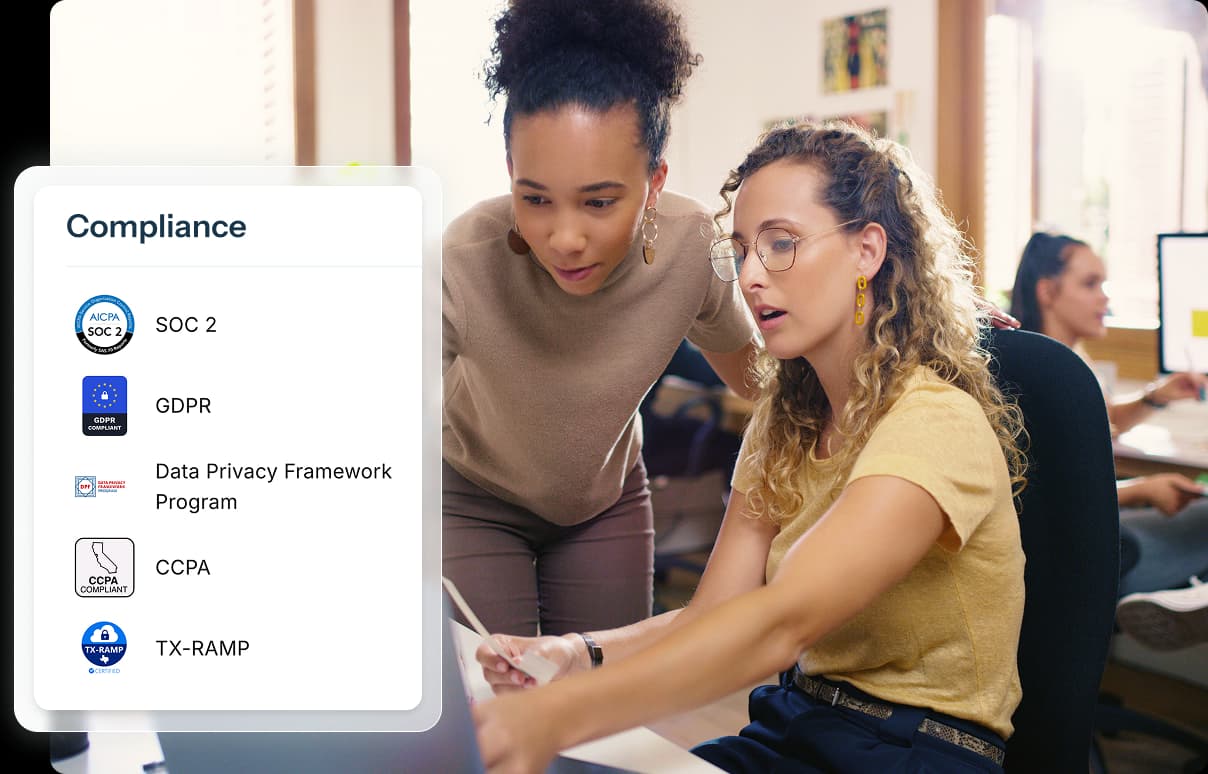
MentorcliQ is SOC 2 Type II certified. Visit our Trust Center for everything your security team needs.
Connect Workday With the Rest of Your Stack
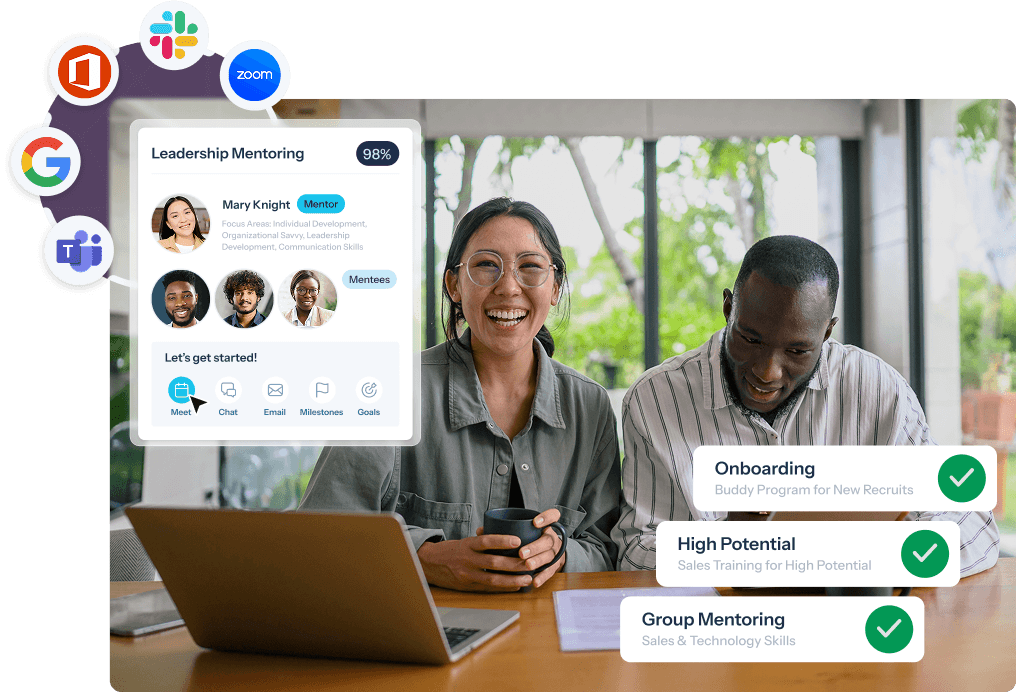
Workday works best alongside the rest of your MentorcliQ integrations, from single sign-on to the tools your people use every day.
- Single sign-on (SSO): One-click SAML login with any Identity Provider, led by your IT team
- Microsoft Teams and Outlook: Notifications, chat, and Outlook Calendar scheduling in Microsoft 365
- Slack: Mentoring notifications and ERG announcements where your teams already chat
- Calendars and video: Google Calendar, Outlook Calendar, and Zoom
Mentoring Software Workday Integrations FAQ
Does MentorcliQ integrate with Workday?
Yes. MentorcliQ integrates with Workday through Enterprise Interface Builder (EIB) or Reporting as a Service (RaaS), keeping job titles, departments, locations, and employment status current automatically.
Should we use Workday EIB or RaaS?
Most organizations start with EIB, which sends employee data on a schedule your IT team controls. RaaS suits teams that need promotions and departures reflected the same day. We’ll help you choose on your scoping call.
What employee data does the Workday integration need?
Just four fields to start: Employee ID, Email Address, First Name, and Last Name. Title, department, manager, and location are recommended for better matching and reporting.
Can we add data fields after the integration is live?
They’re removed from your programs automatically, while their history stays in your reporting. That protects both program integrity and your access reviews.
What if our employee data lives in more than one system?
MentorcliQ connects to setups where employee data sits in more than one place and brings it together into one record per person, so your programs see a single population.
Does MentorcliQ need access to our on-premise systems?
No. MentorcliQ never needs access into your on-premise systems, and you decide what data to share beyond the required fields.