
Slack Integration for Mentoring and Employee Resource Groups
MentorcliQ and CommunityCliQ integrate with Slack, so mentoring invitations, matches, check-ins, and ERG events reach your people in the app they already have open, not buried in an inbox.
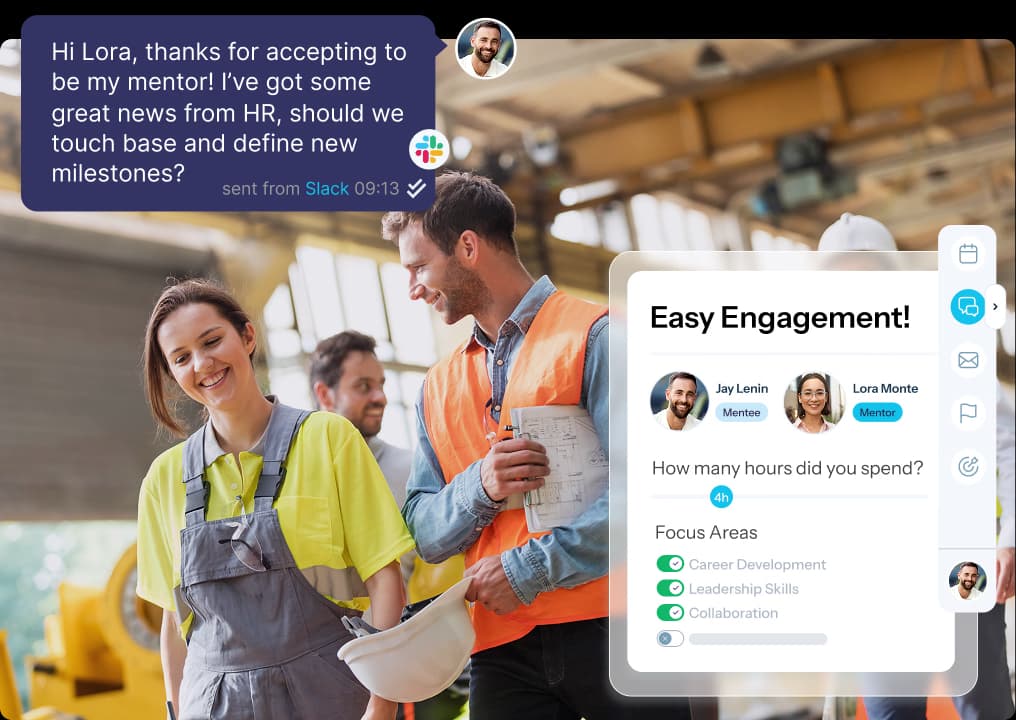
Mentoring Notifications and Chat in Slack
MentorcliQ sends mentoring notifications straight to Slack, so participants see what’s next and act on it while it still matters.
- Slack notifications: Get invitations, matches, QuickcliQs, surveys, and program updates in Slack.
- Slack chat: Start a conversation with your mentoring partner in one click.
- Private by default: Mentoring notifications go only to the participant they’re meant for.
Small, timely nudges keep mentoring relationships moving between meetings.

ERG Announcements in Your Slack Channel
CommunityCliQ shares new posts and upcoming events in your employee resource group’s own Slack channel, right where members are already talking.
- New community posts and events appear in the linked Slack channel automatically
- Members react and comment in Slack, so the conversation keeps going there
- No more ERG leaders copying and pasting announcements by hand
Learn more about how employee resource groups run day to day with our ERG management software.

Modal
Slack, Microsoft Teams, or Email, You Name It
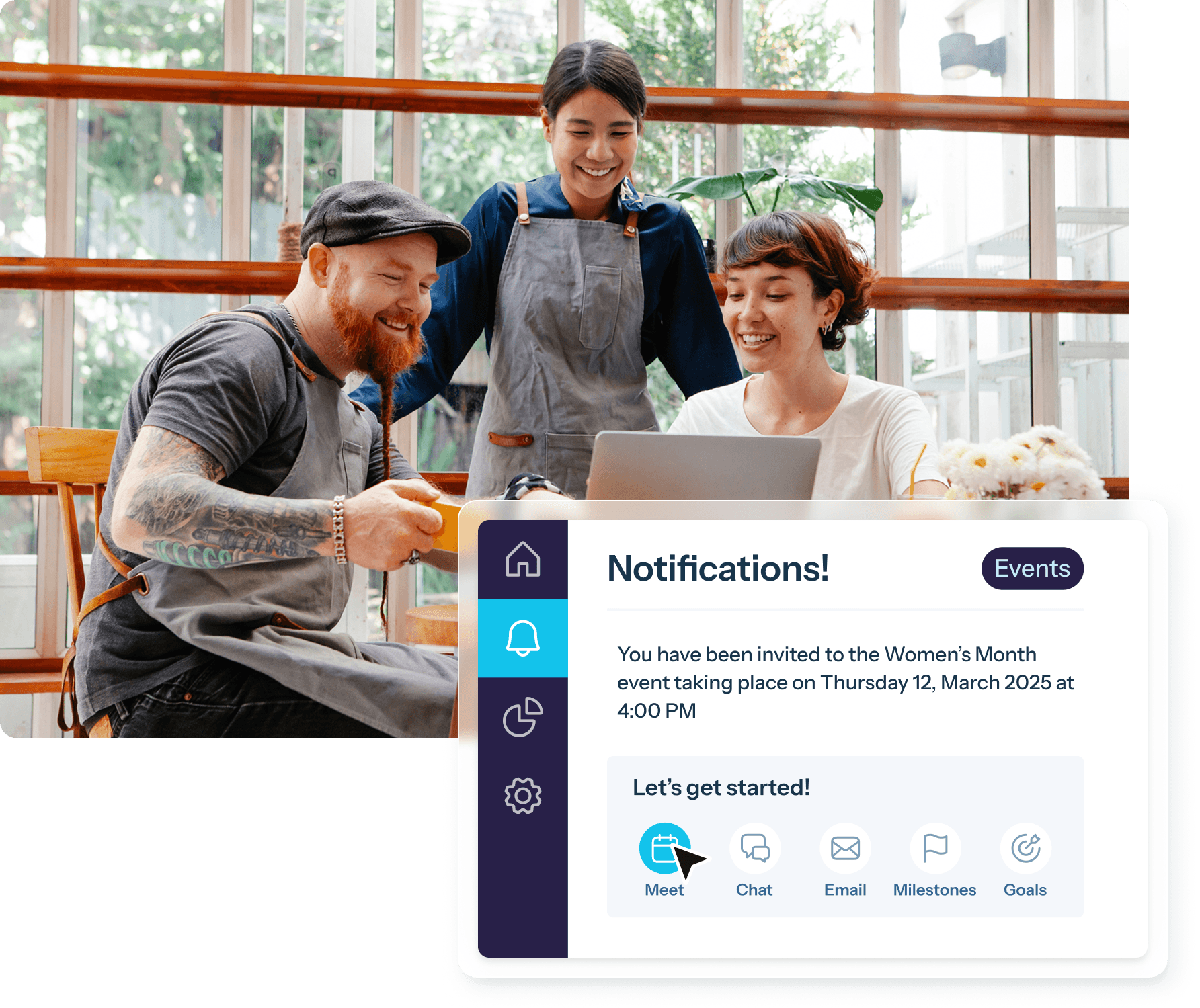
MentorcliQ can send the same notifications through Slack, Microsoft Teams, and email. Each employee can pick where they hear from the programs.
- No company-wide standard needed. Marketing can live in Slack while finance sticks with Outlook, and nobody has to settle which tool wins.
- Pick more than one. Employees can choose Slack, Teams, email, or a combination.
- Everyone is covered. Frontline employees without a chat tool or corporate inbox still get program communications, and we’ll work out the best route with you.
Not sure how to roll it out? Most organizations launch on email, then invite employees to switch to Slack or Microsoft Teams in their launch communication.
Simple to Set Up, Secure by Design
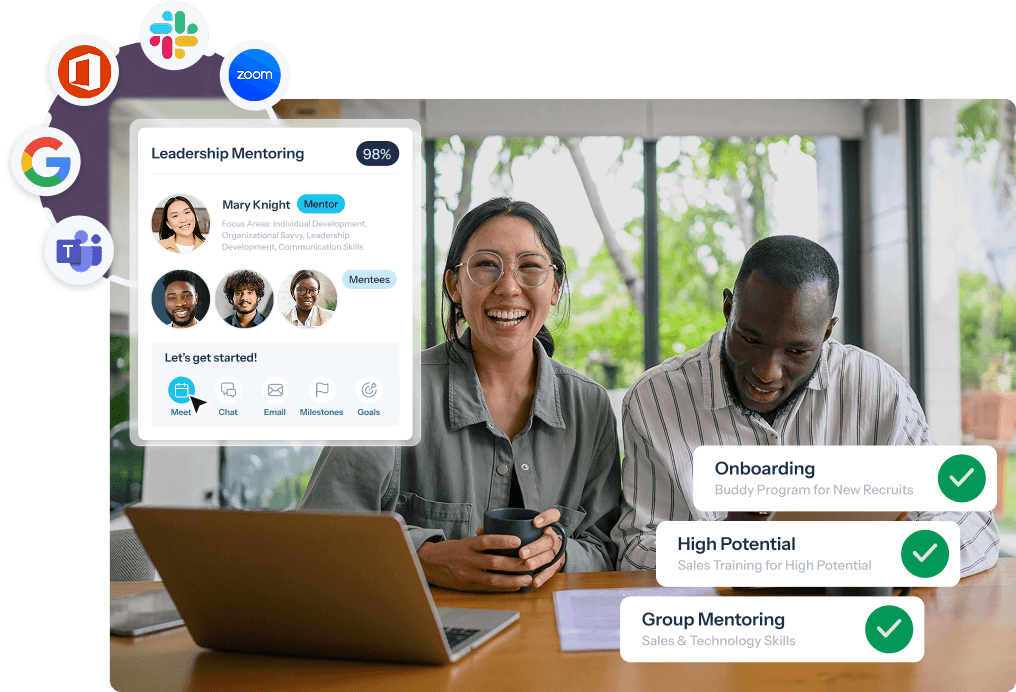
Connecting MentorcliQ to Slack is a one-time decision by your platform administrator, not an IT project.
- Quick setup: Your designated admin connects your Slack workspace once.
- The right audience: Mentoring notifications go to the individual participant, and ERG announcements go only to that group’s channel.
- Employees stay in control: Nobody is moved off email without choosing to be, and employees can change their preferences anytime.
- Works alongside Microsoft Teams: Slack and Teams can run side by side, so a mixed organization is covered.
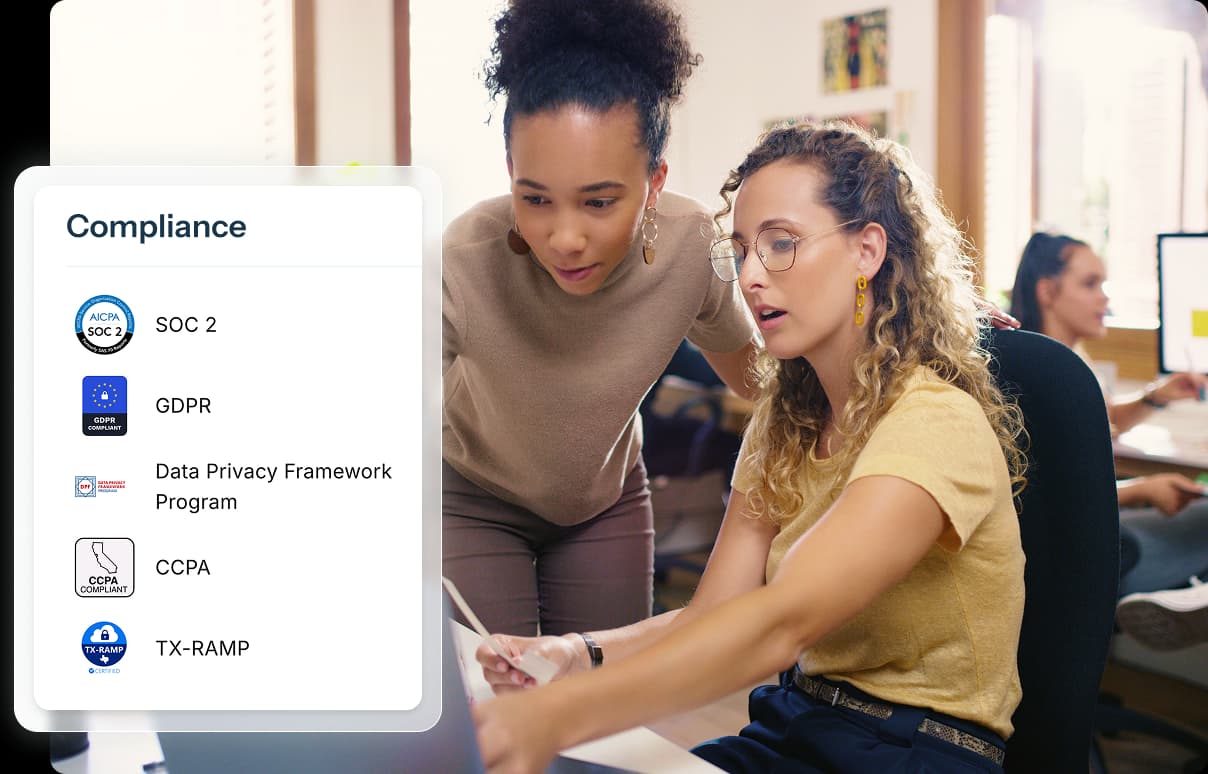
MentorcliQ is SOC 2 Type II certified. Visit our Trust Center for everything your security team needs.
Connect Slack With the Rest of Your Stack
Slack notifications work best alongside the rest of your MentorcliQ integrations, from your HRIS to single sign-on.
- Microsoft Teams and Outlook: The same notifications in Teams, plus Outlook Calendar scheduling
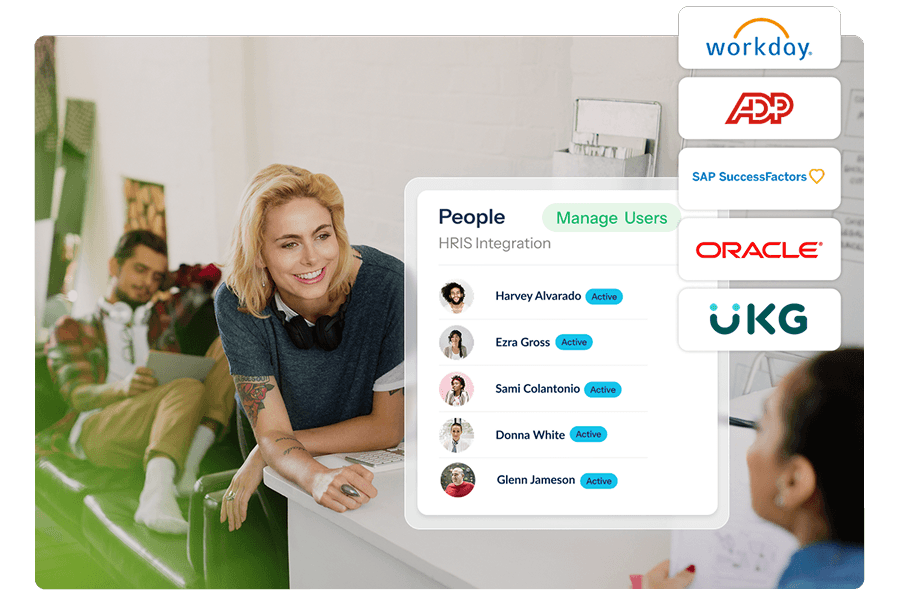
- HRIS: Keep employee records current with Workday, ADP, SAP SuccessFactors, Oracle, UKG, and more
- Single sign-on (SSO): One-click login with any Identity Provider
- Calendars and video: Google Calendar, Outlook Calendar, and Zoom
Mentoring Software Slack Integrations FAQ
Does MentorcliQ integrate with Slack?
Yes. MentorcliQ sends mentoring notifications to participants in Slack and lets them chat with their mentoring partner in one click. CommunityCliQ also shares ERG posts and events in the group’s own Slack channel.
Can ERG announcements post to a Slack channel?
Yes. New CommunityCliQ posts and upcoming events appear in the ERG’s linked Slack channel, where members can react and comment without visiting another tool.
Can employees choose Slack instead of email?
Yes. Each employee chooses Slack, Microsoft Teams, email, or a combination. Nobody is moved off email without choosing to be.
Can MentorcliQ use Slack and Microsoft Teams at the same time?
Yes. Both run side by side, because each employee picks their own channel rather than the company choosing one tool for everyone.
Is the Slack integration difficult to set up?
No. Your platform administrator connects your Slack workspace once, and employees choose their notification preferences from there.
Who sees MentorcliQ notifications in Slack?
Mentoring notifications go only to the participant they’re meant for. ERG announcements go to that group’s Slack channel, where its members are already talking.