
Microsoft 365 Integration for Mentoring & Employee Resource Groups
MentorcliQ and CommunityCliQ integrate with Microsoft 365 (formerly Office 365), so mentoring and ERGs run inside Microsoft Teams, Outlook, and Viva Engage, the tools your people already have open.
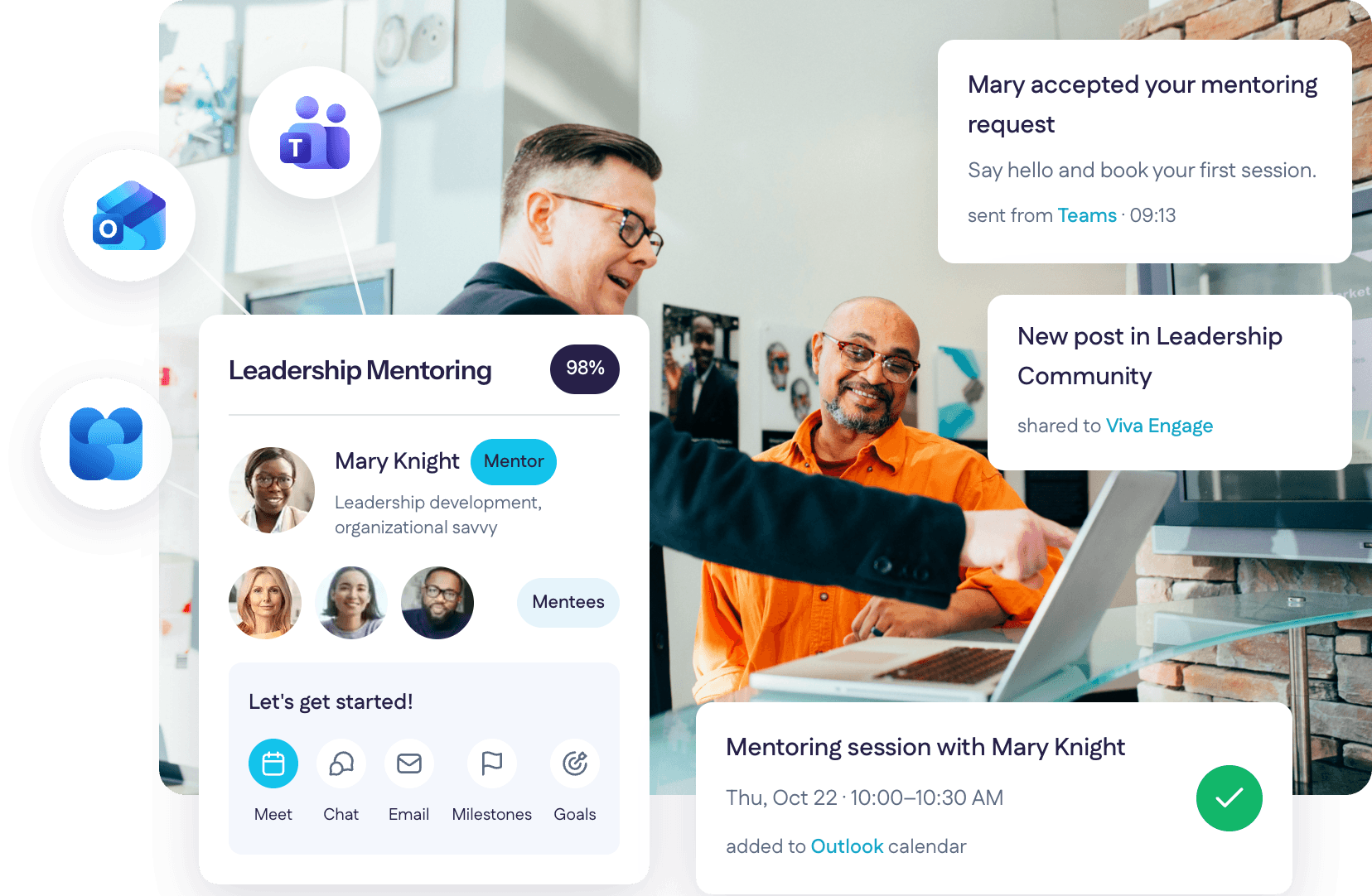
Microsoft Teams Integrations for Mentoring
MentorcliQ offers three Microsoft Teams integrations, so participants and admins can run mentoring without leaving Teams.
- Microsoft Teams tab: View matches, manage enrollments, and access program resources inside Teams. Admins can update existing programs and design new ones from the tab too.
- Microsoft Teams notifications: Invitations, enrollment confirmations, matches, scheduled communications, QuickcliQs, and satisfaction surveys land in each participant’s Teams account.
- Microsoft Teams chat: Start a Teams chat with your mentoring partner in one click from MentorcliQ.
Prefer email? Every participant chooses where MentorcliQ reaches them: Teams, email, or both!
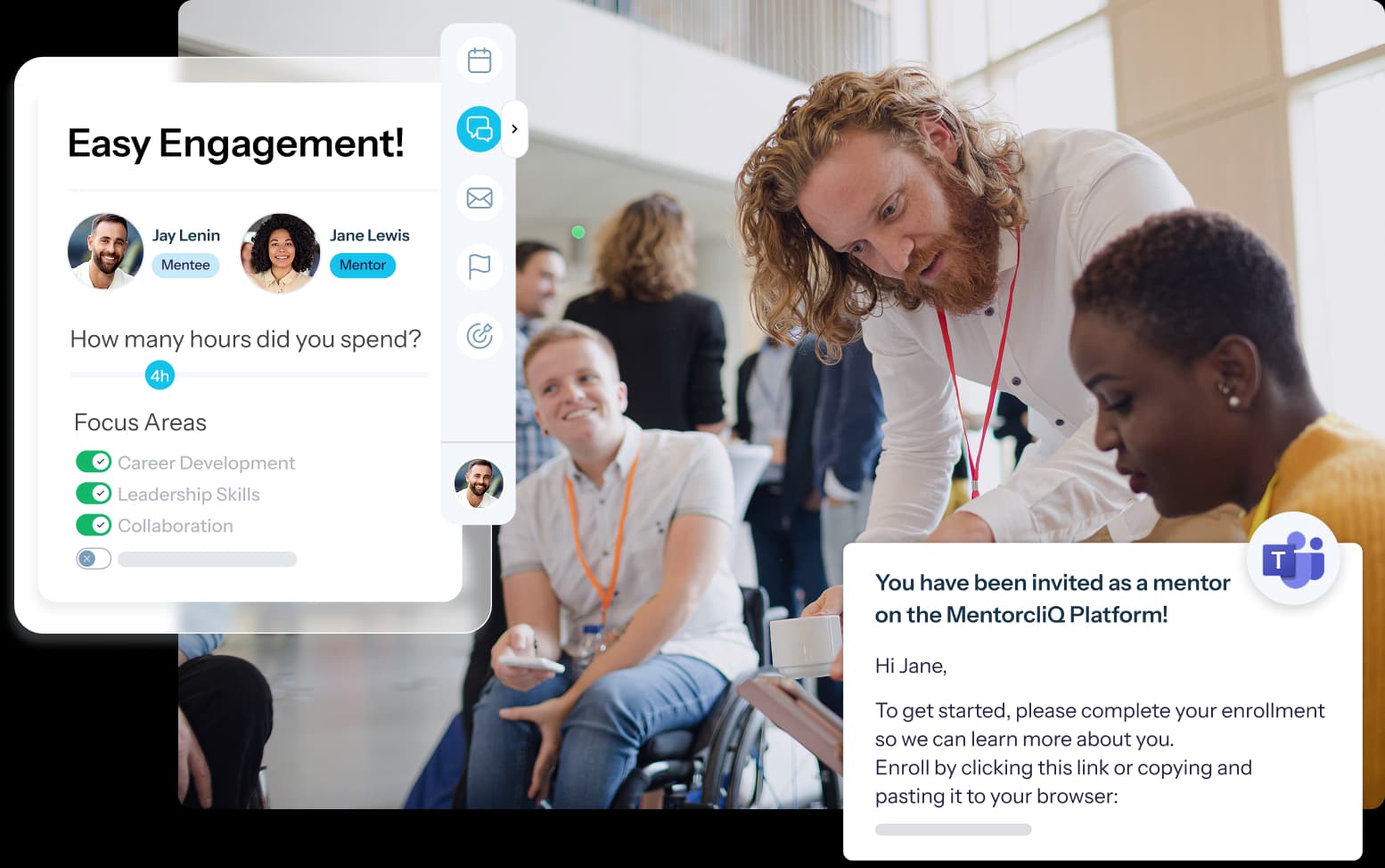
Run ERGs Inside Microsoft Teams
CommunityCliQ brings employee resource groups into Microsoft Teams, from community updates to event attendance.
- Microsoft Teams tab: Members and leaders view community posts, browse events, and review resources without leaving Teams, on desktop or web.
- Microsoft Teams channel notifications: New posts and events go to a designated Teams channel automatically, set up per community or chapter. Members react and comment right there.
- Microsoft Teams event tracking: CommunityCliQ creates the Teams meeting for an ERG event and syncs attendance back to the event record, so no one reconciles a spreadsheet afterwards.



Modal
Outlook Calendar Integration for Mentoring and ERG Events
MentorcliQ and CommunityCliQ connect to Outlook Calendar, so booking a mentoring session or joining an ERG event happens in the calendar people already use.
- Mentoring scheduling: See your partner’s availability and book the session straight into Outlook in real time, for one partner or a whole relationship.
- ERG events on your calendar: Upcoming community events and notable dates appear in Outlook, and members register or unregister from there.
- Privacy built in: Participants only see whether someone is free or busy, never the meeting details, following your existing Outlook sharing settings.

Viva Engage Integration for ERGs
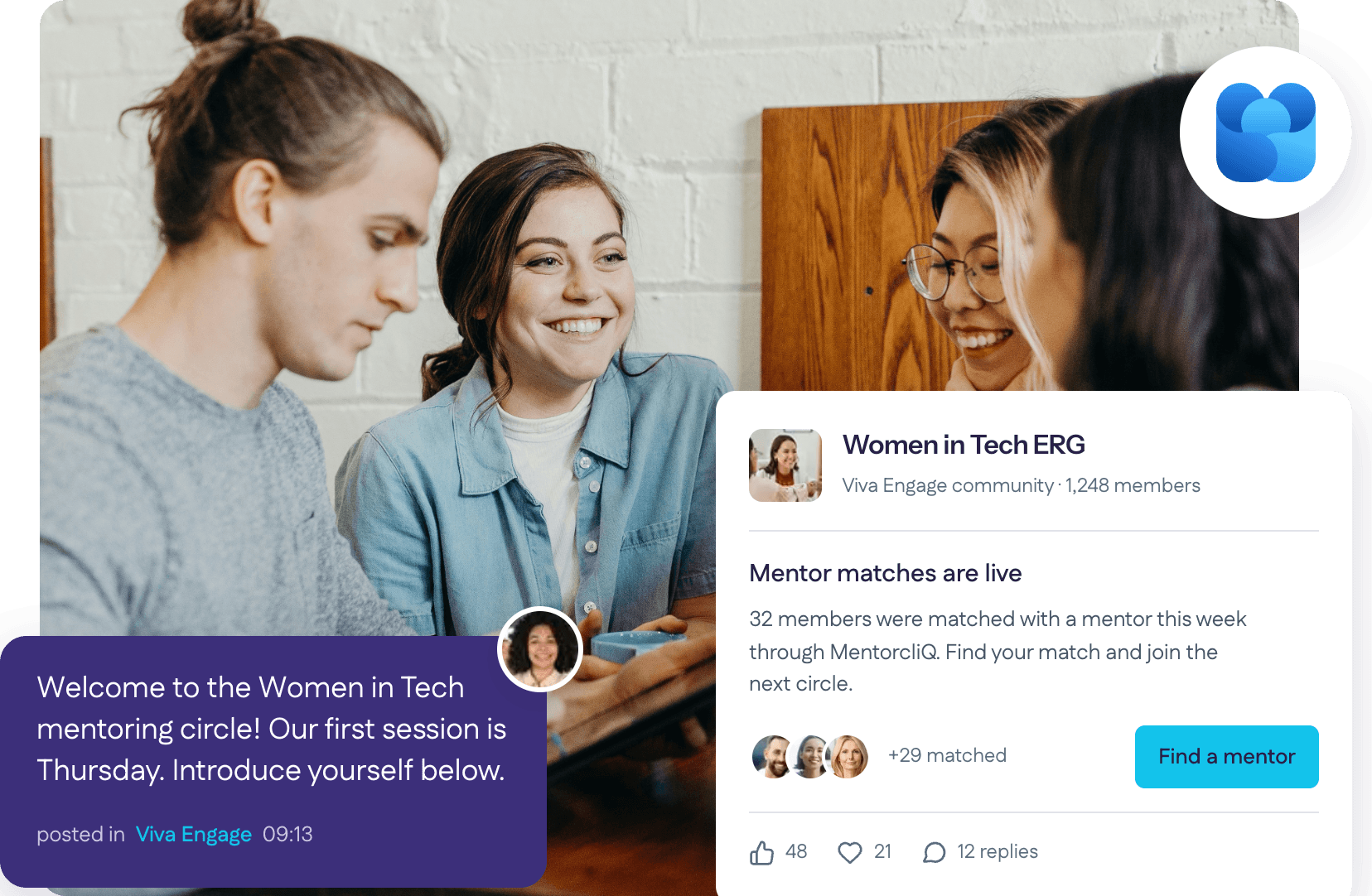
CommunityCliQ integrates with Microsoft Viva Engage, so ERG conversations already happening there show up right on the community page.
- Embedded Viva Engage feed: Viva Engage posts appear on the relevant ERG or community page automatically.
- Dual-feed homepage: Members switch between the CommunityCliQ activity feed and the Viva Engage feed in one place.
- Join in without switching: After signing in once with their Microsoft account, members can start polls, give praise, comment, and react in place.
- Clear roles: CommunityCliQ handles membership, events, and discovery; Viva Engage handles the conversation.
Already talking in Viva Engage? Turn on the feed and keep membership and events in CommunityCliQ. If not, start with the CommunityCliQ feed alone.
One Setup With IT Through Microsoft Entra ID
Your IT team registers one application in Microsoft Entra ID (formerly Azure Active Directory), and MentorcliQ works with them on the access each integration needs.
- Secure by design. Data moves over secure, encrypted channels through the Microsoft Graph API, with no data migration and no on-premise agent.
- No new permissions. Scheduling works within the calendar access your organization already grants.
- Switch on once. Teams notifications, the Teams tab, and Outlook scheduling are enabled at the platform level, so every program gets them at once. Where Teams apps are managed centrally, IT approves the app in the Microsoft Teams admin center.
- Single sign-on carries through. People open the Teams tab with the corporate credentials they already use.
MentorcliQ is SOC 2 Type II certified. Visit our Trust Center for everything your security team needs.
Connect Microsoft 365 With the Rest of Your Stack
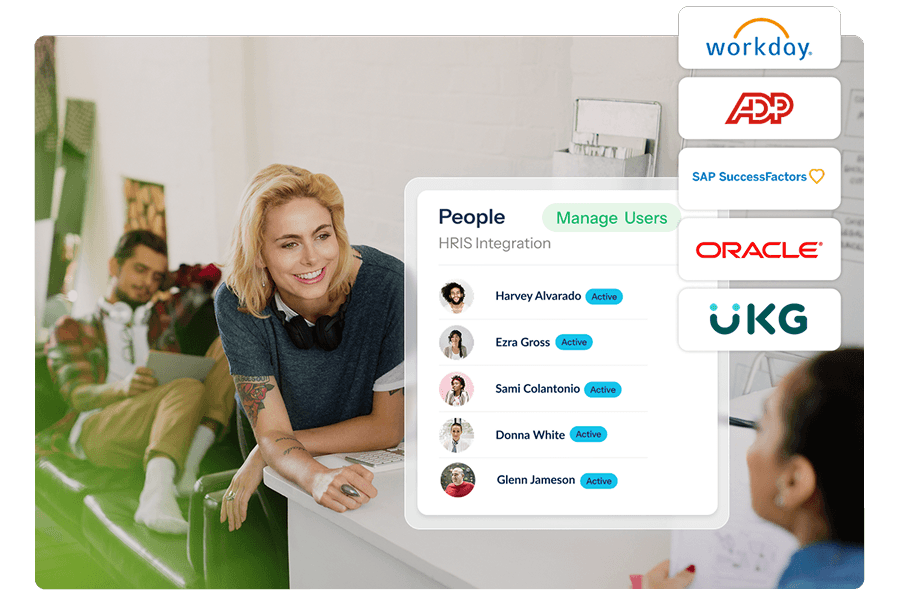
Microsoft 365 is where employees experience your programs; your HRIS keeps the data behind them current.
- Workday: Job titles, departments, locations, and employment status stay current automatically
- Other HRIS: ADP, SAP SuccessFactors, Oracle, UKG, and any other employee database
- Slack: The same notifications for teams that work in Slack, side by side with Teams
- Calendars and video: Google Calendar and Zoom
Mentoring Software Microsoft 365 Integrations FAQ
Does MentorcliQ integrate with Microsoft 365 and Office 365?
Yes. MentorcliQ and CommunityCliQ integrate with Microsoft 365 (formerly Office 365), including Microsoft Teams, Outlook Calendar, and Microsoft Viva Engage, set up once with your IT team through Microsoft Entra ID.
Does MentorcliQ have a Microsoft Teams integration?
Yes. MentorcliQ offers three Microsoft Teams integrations: the Teams tab, which brings MentorcliQ inside Teams; Teams notifications for program messages; and Teams chat, so participants can message their mentoring partner in one click.
Is there a Microsoft Teams tab for ERG members?
Yes. The CommunityCliQ Teams tab lets members and leaders view community posts, browse events, and review resources inside Teams, on desktop or web, using the same single sign-on as the browser.
Can ERG event attendance be tracked from Teams meetings?
Yes. CommunityCliQ creates the Teams meeting for an ERG event and syncs attendance back to the event record automatically. The event leader needs a Microsoft 365 or Outlook calendar connection in CommunityCliQ.
Does CommunityCliQ integrate with Viva Engage?
Yes. Once enabled and assigned to a community, Viva Engage conversations appear automatically on the ERG or community page, with a homepage that switches between the CommunityCliQ and Viva Engage feeds.
Can mentoring meetings be scheduled through Outlook?
Yes. Participants see their partner’s availability, book the session straight into Outlook in real time, and manage it with their usual Outlook tools. They only ever see free or busy, never meeting details.
Can participants choose Teams instead of email for notifications?
Yes. Notifications default to email, and each participant can switch to Microsoft Teams or Slack, add either alongside email, or stay on email only.
What does our IT team need to set up?
IT registers one application in Microsoft Entra ID and, where Teams apps are managed centrally, approves the app in the Teams admin center. Data moves over encrypted channels through Microsoft Graph, and MentorcliQ is SOC 2 Type II certified.